How to Animate Any Image with AI — Free Step-by-Step Tutorial
A complete tutorial for turning any still image into an animated video using image-to-video AI. Includes 10 copy-paste prompts, model comparison, common failure fixes, and the upscale pipeline.

Image-to-video AI is the breakout category of 2026. Search demand for image to video ai has grown almost 9× in 24 months — from 5,400 monthly US searches in February 2024 to 49,500 in January 2026 — and the underlying technology has finally reached the point where output is shareable, not just experimental.
This guide walks through the full workflow: choosing a source image, picking a model, writing a motion prompt, and exporting a clean result. Most of it applies to any modern I2V model — WAN 2.2, Kling, Hailuo, Runway Gen-3 — but the prompt examples below were tested on WAN 2.2 specifically because that’s the model with the widest community support and the lowest cost-per-second of compute.
What you’ll need
- A source image. Native resolution at least 768×768. Higher is better — most I2V models downscale internally to 720p but a sharp source still gives a sharper result.
- An image-to-video model. Either a hosted tool (DFP, Pika, Hailuo, Kling, Runway) or a local install of ComfyUI with a WAN 2.2 checkpoint. Hosted is faster to start; local is cheaper at scale.
- A motion prompt. 1-3 sentences describing what should move and how. Examples below.
- ~30 seconds to 3 minutes of compute time per generation, depending on resolution and frame count.
Step 1 — Choose your source image
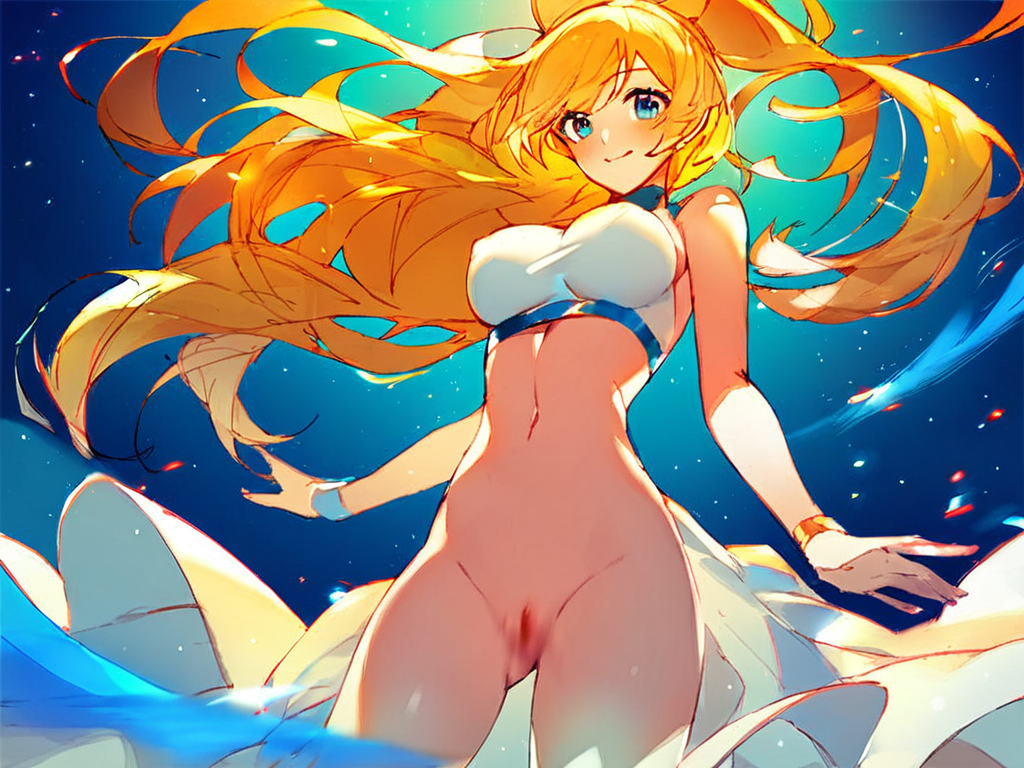
The single biggest factor in output quality is the source. I2V models work by predicting motion from a still — give them a clean still and they have something to work with; give them a noisy or cluttered still and the motion will be muddy.
What works
- Single subject, clear separation from background. Anime portraits, character art, product shots, individual portrait photographs. The model needs to understand “this is the foreground, this stays still.”
- Soft / empty backgrounds work better than busy ones. A blurred bokeh background gives the model space to focus motion on the subject.
- Sharp focus on the subject’s face / center of interest. The model uses the focal point as the anchor for what stays stable.
What doesn’t
- Multiple subjects in conversation. Two characters looking at each other will warp into one in 70% of generations. Crop to one subject at a time.
- Low-resolution sources (under 512×512). The internal upscale path produces JPEG-style artifacts that compound across frames.
- Heavy text overlays or watermarks. The model tries to animate them, badly.
- Hands and feet on the edge of frame. I2V models consistently mangle limbs that touch the frame border.
Step 2 — Pick a model
The four serious contenders right now are WAN 2.2, Kling 1.6, Hailuo (MiniMax), and Runway Gen-3. Each has a different strength profile, summarized below.
| Model | Best for | Free tier | Cost / 5-sec clip | Max length |
|---|---|---|---|---|
| WAN 2.2 | Quality / cost balance, NSFW-friendly | On DFP: 20 free credits | ~$0.10 self-hosted, ~$0.30 hosted | 5 sec native, longer via stitch |
| Kling 1.6 | Realistic motion, character consistency | Daily free credits | $0.50 | 10 sec |
| Hailuo (MiniMax) | Cinematic camera moves | 1000 free credits/mo | $0.40 | 6 sec |
| Runway Gen-3 | Pro / film workflows | Trial only | $0.95 | 10 sec |
| Pika 2.0 | Quick social-media clips | Daily free credits | $0.35 | 4 sec |
For NSFW content, hosted Sora, Runway, Pika and Kling all reject explicit prompts at the API level. The viable options are either self-hosting WAN 2.2 (open-weights, no content filter) or using a hosted service that runs WAN 2.2 with NSFW permitted. DFPDFP’srsquo;s I2V product is the latter — same underlying model, no content filter, $0.30-class per-clip pricing.
Step 3 — Write the motion prompt
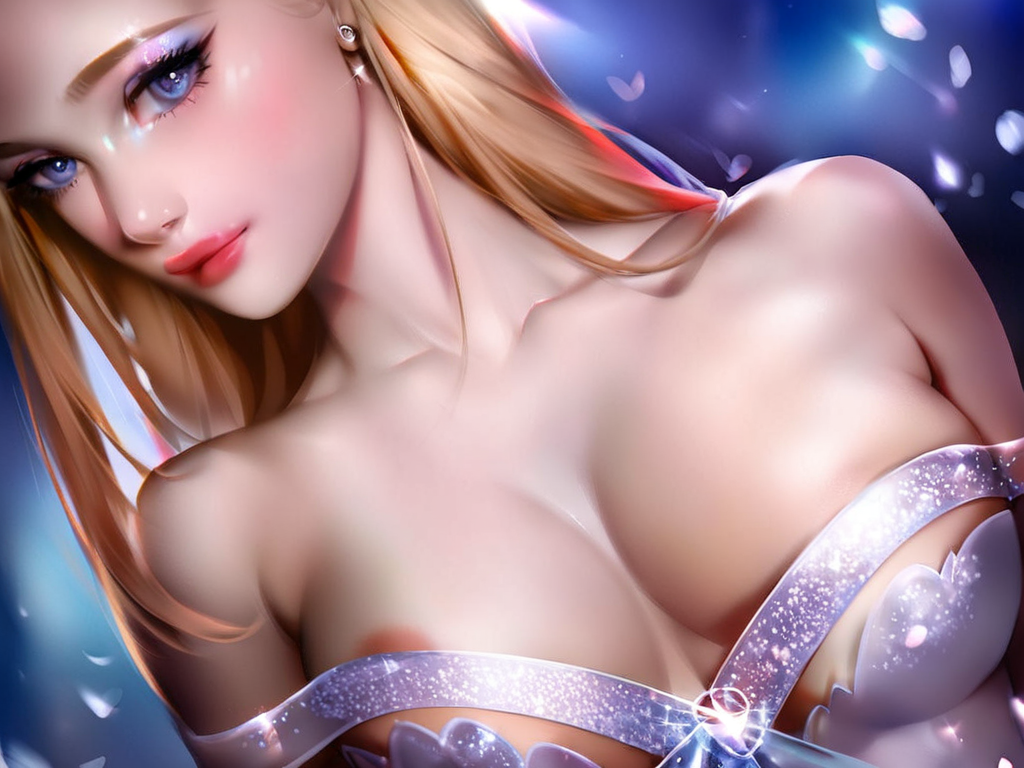
I2V prompts are different from text-to-image prompts. You’re not describing the scene — the source image already has the scene. You’re describing what should change between frames.
The 5 patterns that work
1. Subject motion — name the part that moves and the direction:
gentle wind blowing hair from left to right, hair strands lifting slowly, subtle smile, soft breathing chest motion, eyes blink every 4 seconds, camera completely static, atmospheric lighting unchanged
2. Camera motion — describe the move using cinematography vocabulary the model was trained on:
slow cinematic dolly push-in toward subject's face, subject remains completely still, breathing motion, slight blink mid-clip, soft natural light unchanged, depth of field shallow
3. Environmental motion — let the background breathe so the subject feels real:
subject pose unchanged, soft particles drifting in background, gentle warm light flicker, leaves swaying behind subject, atmospheric haze drifting slowly across frame, no camera move
4. Suggestive / loop motion — describe a single cycle that returns to the start:
subject slowly leans forward and returns to start position, single smooth cycle over 3 seconds, hair following motion, soft seamless loop, lighting unchanged, camera static
5. Reaction sequence — name a single facial change with timing:
starts neutral, develops suggestive smile over 3 seconds, slight head tilt, eyes look up toward viewer, slow motion, no camera move, lighting and background unchanged
Step 4 — Generate (and what to expect)
Most I2V models generate at 720p / 24 fps as the default. A 5-second clip is therefore 120 frames at roughly 1.3M pixels each — that’s a lot of denoising work. Expect 30 seconds (WAN 2.2 on a 4090-class GPU) to 3 minutes (Runway Gen-3 hosted) per clip.
The first generation on a fresh prompt rarely lands. Plan for 3-5 attempts per concept. Common failure modes:
- Identity drift— the subject’s face gradually morphs over the clip. Fix: lower the motion intensity, add “subject identity preserved” to the prompt.
- Hand mangling — fingers melt or grow. Fix: crop the source so hands are out of frame, or tuck the hands.
- Background warp— the background swirls unnaturally. Fix: add “background unchanged, no camera move” to the prompt.
- Frame jitter — output flickers between frames. Fix: re-generate; if persistent, the source has high-frequency noise (often a sign of upscaled-from-too-small).
Step 5 — Upscale & export
720p output is fine for social media but flat on a desktop screen. Two-step upscale path:
- Generate at 720p (faster + cheaper).
- Run output through a video upscaler. The strongest open-weights option is 4× UltraSharpper-frame, which works on most Topaz-style and ComfyUI-based pipelines. DFPDFP’srsquo;s pipeline does this automatically — outputs 720×1024 → 1440×2048 MP4 H.264 ready to share.
- Export as MP4 H.264 (most platform-compatible) or WebM VP9 (if you need transparency or a 25% smaller file).
Common mistakes (and fixes)
- Over-prompting. Three sentences max. The source image already carries the scene; the prompt is purely about motion.
- Forgetting to lock the camera. Without an explicit “camera static” or “no camera move,” most I2V models add drift just to fill the latent.
- Not setting the loop boundary. If you want a loopable clip, the prompt should end where it starts. Use “single smooth cycle” or “return to start position” explicitly.
- Rerolling instead of editing. If the first run lands 80%, change one word in the prompt rather than rerolling on the same prompt — you’re much more likely to land.
10 prompts to copy-paste
Each of these has been tested on WAN 2.2 with multiple source images. Replace the bracketed words with your scene.
gentle wind from left, hair strands lifting and falling slowly, subtle smile forming, single slow blink, breathing chest motion, camera static, no zoom, atmospheric lighting unchanged
slow cinematic dolly push-in toward subject, subject still with breathing motion, slight head tilt at end, depth of field shallow, lighting unchanged
subject slowly raises eyes toward camera over 3 seconds, head tilts up slightly, soft confident smile develops, hair gentle sway, no camera move, lighting unchanged
subject slowly rolls one shoulder forward and back in single cycle, sultry expression, hair follows motion, soft loopable cycle, camera static
subject slowly bites lower lip, eyes look up at viewer, single smooth motion, hair gentle sway, soft natural light, no camera move
subject performs slow hair flip from one side to the other, hair sweeps across in slow motion, subject's face follows the motion, single slow movement over 4 seconds, camera static
product rotates slowly 360 degrees, single smooth rotation over 5 seconds, lighting wraps around as it turns, no camera move, soft floor reflection unchanged
slow cinematic crane down from above subject's shoulder height to chest, subject still with breathing motion, depth of field shallow, light wraps as camera descends
subject pose unchanged, particles drifting from left to right behind subject, soft warm light flicker, atmospheric haze, camera completely static, single 4-second loop
subject slowly raises hands away from face revealing expression, single smooth motion, eyes open, soft confident expression at end, no camera move, lighting unchanged
12 NSFW motion prompts (anime / fictional only)
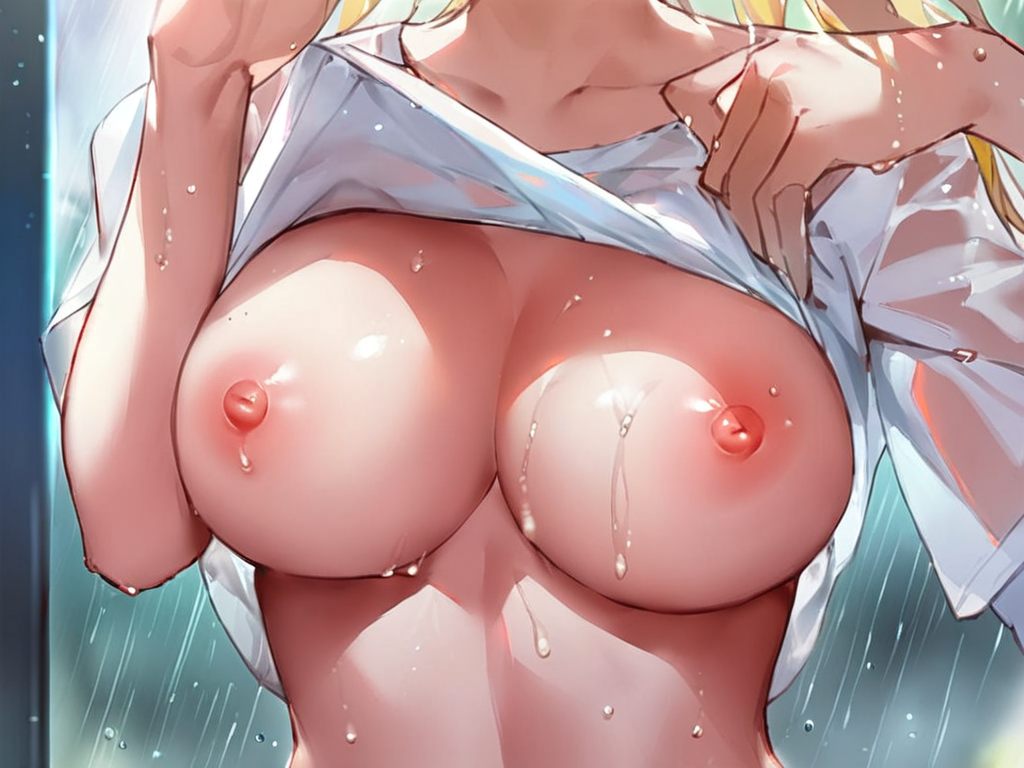
Explicit motion prompts for NSFW image-to-video, tested on WAN 2.2 with NSFW content permitted. These work best when the source still already shows nudity or partial nudity — WAN 2.2’s I2V path doesn’t change clothing state during animation, only motion.
subject riding in slow cowgirl rhythm, breasts bounce gently with each downward motion, hair swaying with the rhythm, lips parted in pleasure, single seamless loop over 4 seconds, soft warm bedroom lighting unchanged, no camera move
subject slowly slides bra straps off both shoulders, top falls down revealing bare breasts, slight forward lean, sultry eye contact with camera, single smooth motion over 5 seconds, hair sways with motion, soft natural light unchanged
subject slowly slides her own hand from collarbone down between breasts, across stomach, to inner thigh, sultry expression, slow sensual motion over 5 seconds, eyes half-closed, no camera move, lighting unchanged
POV shot, subject on hands and knees rocking slowly forward and back, breasts swaying with each rock, hair flowing forward, ass moving toward camera then away, single smooth loopable cycle over 4 seconds, no camera move
thick cum already on subject's face, single droplet slowly drips from cheek to chin, tongue slowly extends to lick lips, blissful expression with eyes half-closed, slow sensual motion over 4 seconds, soft glistening highlights on skin, camera static
subject lying back, legs slowly spreading open from closed to wide, hand resting on inner thigh, sultry confident expression, slow seductive motion over 5 seconds, soft bedroom lighting unchanged, no camera move
subject in shibari rope harness, gentle struggle motion, chest rises and falls with deep breathing, ropes pressing slightly into skin as she shifts, lips parted, single 4-second loop, dim moody lighting unchanged, no camera move
POV from below, subject riding on top in slow rhythm, breasts bouncing with each downward motion, hands on her own thighs, looking down at camera with sultry expression, hair falling forward, single seamless loopable cycle over 4 seconds
subject's expression slowly transitions from neutral to ahegao — eyes roll back, tongue extends out, blissful intense pleasure expression develops over 3 seconds, slight head tilt back, soft moaning lips, no camera move
subject's body arches gradually as orgasm builds, head tips back, mouth opens, hands grip the sheets, intense climax peak with arch at peak then slow relaxation, single 5-second motion, no camera move, lighting unchanged
bare breasts gently bounce in subtle continuous rhythm, soft natural sway, nipples slightly hardening, subject's body otherwise still with soft breathing, single seamless 3-second loop, soft warm lighting unchanged, no camera move
subject lying back with one hand between her own legs, slow rhythmic fingering motion, other hand grabs own breast, head tipped back, mouth slightly open, eyes closed in pleasure, single 4-second loopable cycle, soft bedroom lighting
Where to use the result
- Social media short-form — TikTok, Reels, Shorts. 5-second loops perform best. Vertical 9:16 outputs are the standard.
- Marketing landing pages — autoplay muted hero videos. 4-6 second clips, MP4 H.264, under 2 MB after compression.
- Telegram channels — looping anime / NSFW content performs unusually well in this format because it auto-plays inline and loops by default.
- Discord servers — looping animated emojis (under 256 KB) require frame-rate / size compression. WebM VP9 is the best codec.
Frequently asked questions
What’s the best free image-to-video AI?
DFPDFP’srsquo;s 20-credit free tier covers about 1 full I2V generation. Hailuo’s 1000 free monthly credits cover roughly 20 clips. Pika 2.0’s daily free credits are smaller but replenish daily.
Can I animate an anime image without a real-person face?
Yes — anime / fictional character art is the most common I2V input. WAN 2.2 was trained heavily on stylized content and handles anime sources better than most photorealistic models do.
How long does a generation take?
On a hosted service: 30 seconds (Pika, Hailuo) to 3 minutes (Runway Gen-3) per 5-second clip. Self-hosted on a 4090: ~30 seconds for WAN 2.2 at 720p.
What’s the difference between image-to-video and text-to-video?
Text-to-video (Sora, Runway Gen-3 text mode) generates the entire scene from scratch given a text prompt. Image-to-video starts from an existing image and only generates motion. I2V gives you much more control over the final look because you fix the look up front.
Why does my output look blurry?
Three usual causes: source image was below 768×768 (upscale artifacts compound), output resolution was 480p or 540p (bump to 720p), or the prompt asked for too much motion (motion blur is the model’s default failure mode — slow it down).
Ready to try it? DFPDFP’srsquo;s I2V tool runs WAN 2.2 with no content filter, no queue, and 187 motion templates that double as prompt examples — your free 20 credits cover one full clip.
Try it yourself — free
Every new account gets 20 free credits. Run an edit, a faceswap or an animation in under a minute.


